D J C
-
Posts
1678 -
Joined
-
Last visited
-
Days Won
1
Content Type
Profiles
Forums
Calendar
Store
Downloads
Everything posted by D J C
-

Version 1.0.2
62 downloads
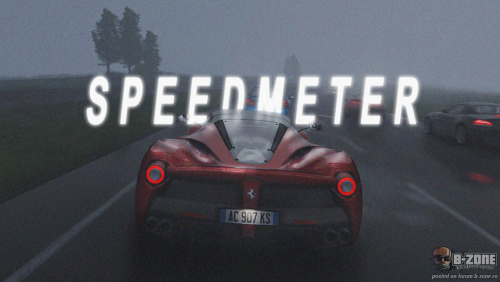
B-Zone Speedometer - Enhanced Real-Time Speed Display Classic and Nostalgic, this is what you are looking for, Enjoy a cleaner, classic textdraw experience, but in real-time! This mod offers a smoother, real-time display of vehicle speed in San Andreas, specifically designed to replace server textdraws that often cause lag and display issues. With the Speedometer, your speed is shown in real-time with the format Speed: XX Km/h, providing a much more fluid experience while driving. Features: Displays vehicle speed accurately without lag. Fixes the visual issues caused by the server’s default textdraws on B-Zone. Optimized to prevent server-induced delays and improve overall gameplay experience. Installation: Download and install MoonLoader Place the Lua script file into the `moonloader` folder within your GTA SA directory. Place the `.lua` file in your MoonLoader `scripts` folder. Start your SA:MP server and enjoy the real-time speedometer! This mod is open-source and safe to use. You can review the code yourself to verify its safety. It is built with transparency and for the benefit of the SA:MP community. Source: https://github.com/JohnyCore/B-Zone-Speedmeter Video: Feel free to leave feedback or report any bugs on the GitHub page. Contributions and suggestions are always welcome to improve the mod further!